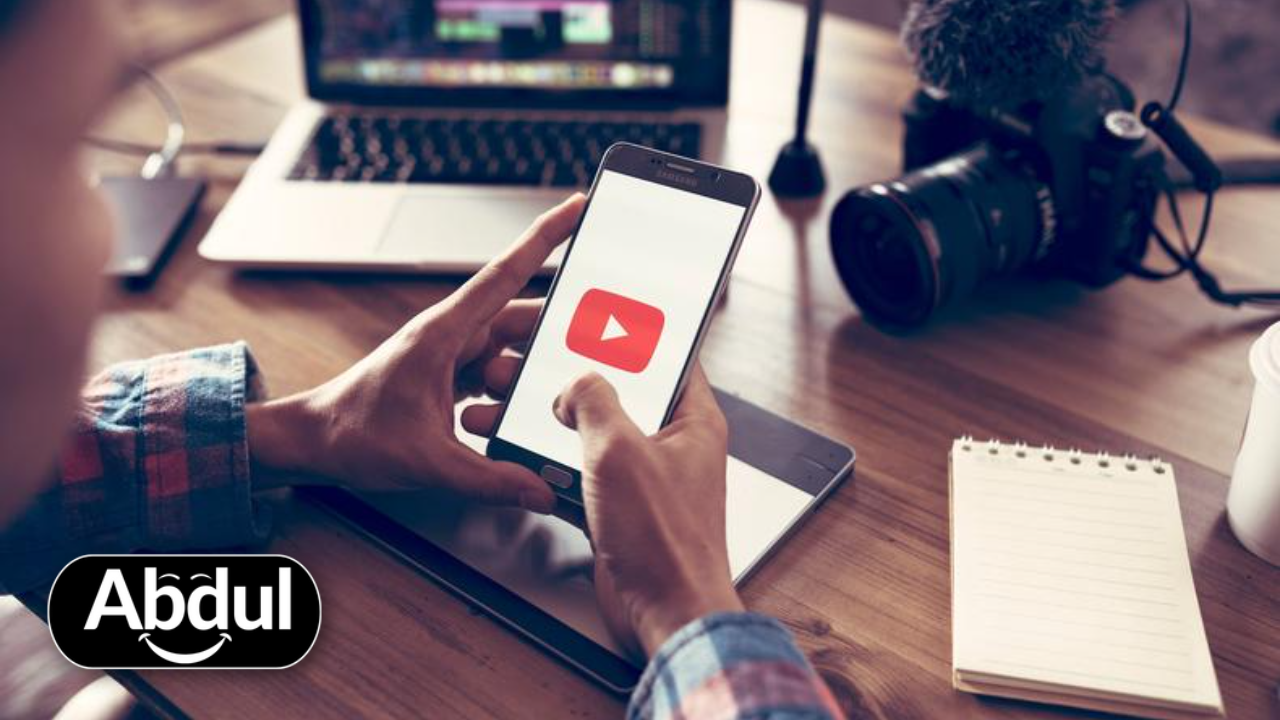
7 AI Video Editing Secrets That Will Save You 10 Hours a Week
Do you feel like you spend forever editing one simple video? You sit at your desk for hours. You click, cut, and move clips around. By the time you finish, you are tired and bored.
Making videos shouldn't feel like a chore. If you want to grow your brand, you need to post more often. These 7 secrets will help you work faster and better.
Deploy the AbdulTSD Protocol
We don't just write about Video Production; we build the infrastructure that dominates it. Choose a unit to start.
Grow Your Business with Our Free Tools
Stop guessing. Start growing. Access our professional-grade tools used by 10,000+ businesses:
Find & fix ranking issues in 60 seconds
Boost performance & conversions
Extract insights from any video instantly
Convert visitors into customers
No credit card required
1. Let AI Write Your Captions
Writing subtitles by hand is the worst. It takes a long time to type every word. AI can now listen to your voice and turn it into text in seconds. Tools like CapCut or Submagic do this perfectly.
1Auto-Captions
Upload your video, click "Auto-Captions," and watch the words appear. You just need to check for small typos!
Captions are important because many people watch videos with the sound off. If you don't have text on the screen, they will just scroll past you. To see how your content performs online, check out our Free SEO Audit Tool.

2. Cut Out the "Umms" and Silence Automatically
We all make mistakes when we talk. We say "umm" or "ah." We also leave long pauses while we think. In the old days, you had to find every gap and delete it yourself.
Now, AI tools like Gling or Descript can find those silent spots for you. With one click, all the boring parts are gone. This makes your video snappy and fun to watch.
3. Edit Video Like a Word Document
This is a real game-changer. Some AI tools turn your video into a script. If you want to delete a scene, you just highlight the text and hit "delete" on your keyboard. The video clip disappears too!
"Editing should be as easy as sending an email. If you can edit a document, you can edit a video."
This saves you from looking at a confusing timeline with messy blue and green bars. It is perfect for beginners who find normal software too scary. Ready to scale your business with better content? Look at our Growth Funnels.
 easy workflow
4. Fix Your Eye Contact
Do you look at your notes instead of the camera? It happens to everyone. But it makes you look like you aren't talking to the viewer. AI can now "fix" your eyes.
Tools like NVIDIA Broadcast or Captions.ai use AI to make it look like you are staring right at the lens. Even if you are reading a script on your screen, the AI keeps your eyes locked on your audience. It looks a bit like magic!
5. Clean Up Messy Audio
You don't need a $500 microphone to sound like a pro. If you have background noise like a fan or a loud car outside, AI can remove it. Adobe Podcast has a tool that makes a phone recording sound like it was made in a professional studio.
Clear sound is actually more important than clear video. People will watch a blurry video, but they will turn off a video that sounds scratchy or loud. Want to see how we helped others sound and look great? See our Case Studies.

6. Add B-Roll Without Searching for Hours
B-roll is the extra footage you see on screen while someone is talking. It keeps the video interesting. Finding the right clip used to take hours of searching on stock websites.
Now, you can just tell the AI what you want. You type "a person walking in a park," and the AI finds the clip and drops it into your video. This keeps your viewers' eyes busy so they don't get bored.
7. Turn One Video into Ten
If you film one long video for YouTube, don't stop there. You can use AI to find the best moments and turn them into vertical "Shorts" or "Reels."
- AI finds the funniest or most important parts.
- It crops the video to fit a phone screen.
- It adds captions and emojis automatically.
This lets you post on TikTok, Instagram, and YouTube all at once without extra work. This is the best way to get more views in less time.
Are you ready to stop wasting time and start making better videos? AI is here to help, not to make things harder. Try just one of these tips today and see how much time you save.
Ready to take your business to the next level?
Unlock Your Digital Potential
Complimentary tools designed to accelerate your growth.